Your Surveys Are Now AI-Powered
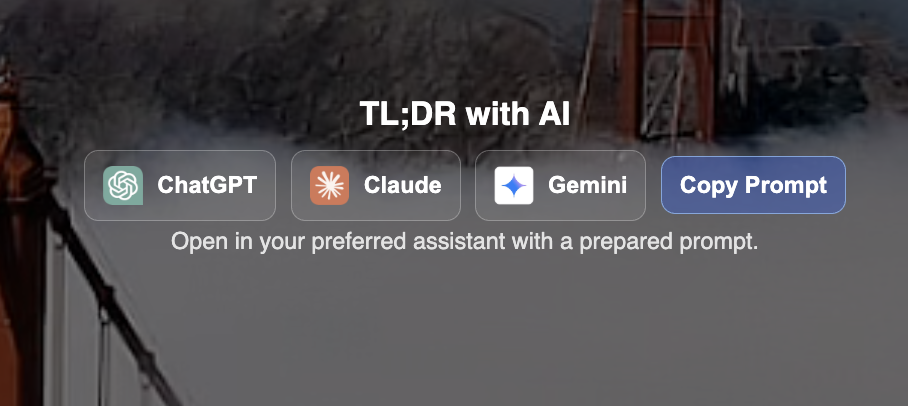
You can now enable ChatGPT, Claude, and Gemini on any survey. Your client opens the report, picks their AI of choice, and gets an instant breakdown of every property you put together. Comparisons, tradeoffs, summaries. All powered by the work you already did.
You'll know when they use it. Every time a client runs your survey through an AI, you get a notification with which one they chose. That's a signal. If someone is running your report through AI, they're seriously evaluating.
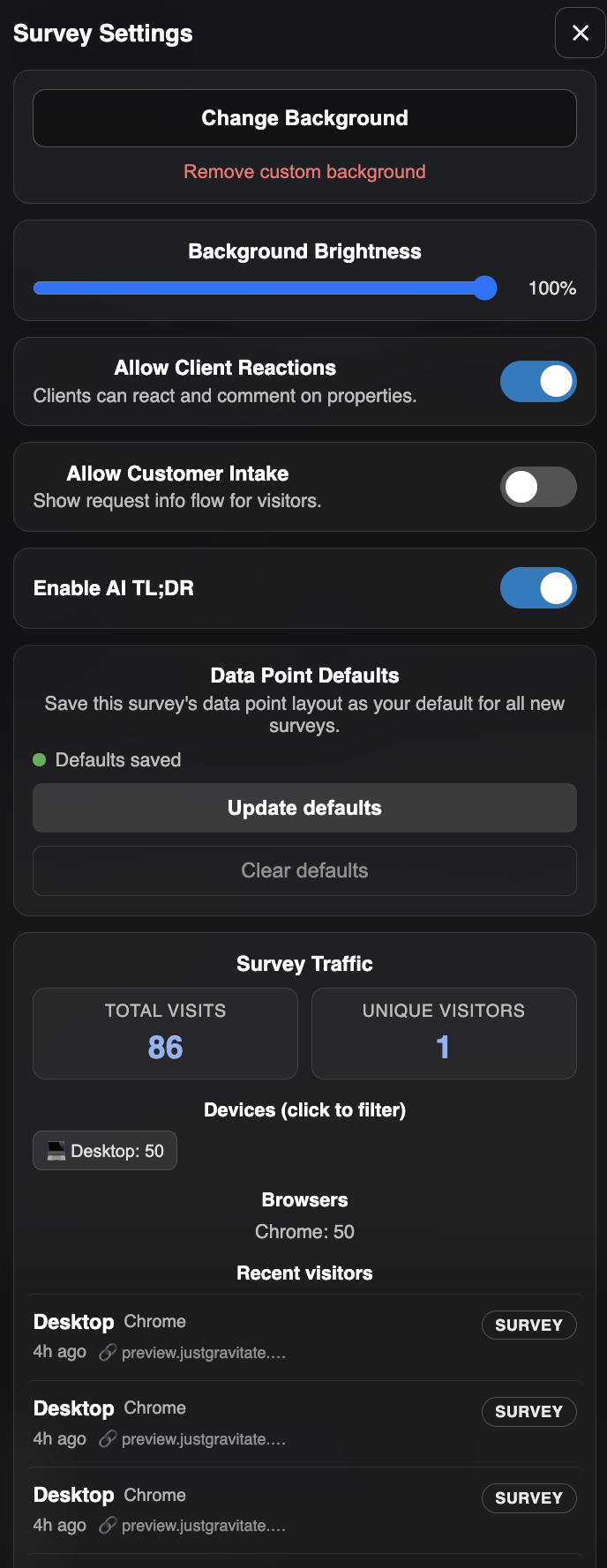
Turn it on: Open any survey → Settings → Toggle "AI TL;DR" on.
Introducing The Closer
Every broker knows the feeling. You put together a great survey, sent it over, and then silence. The client got busy. The email got buried. The deal stalls.
The Closer fixes that. It automatically follows up with your clients when properties are sitting unreviewed. The emails get progressively more compelling, featuring property photos, key details, and direct links. If you recorded a video walkthrough and they haven't watched it, the first email leads with that. When your client engages, the system backs off. When they go quiet again, it picks back up with fresh content.
On your end, you'll get nudged too. If you have surveys out there without client info, you'll hear about it. A survey without a client attached is a survey going nowhere.
Your dashboard now shows health indicators next to every survey. One glance tells you which ones need client info, which have notifications off, and which aren't running The Closer yet.
Turn it on: Open any survey → Client Info → Toggle "The Closer" on.
Know the Second Someone Opens Your Survey
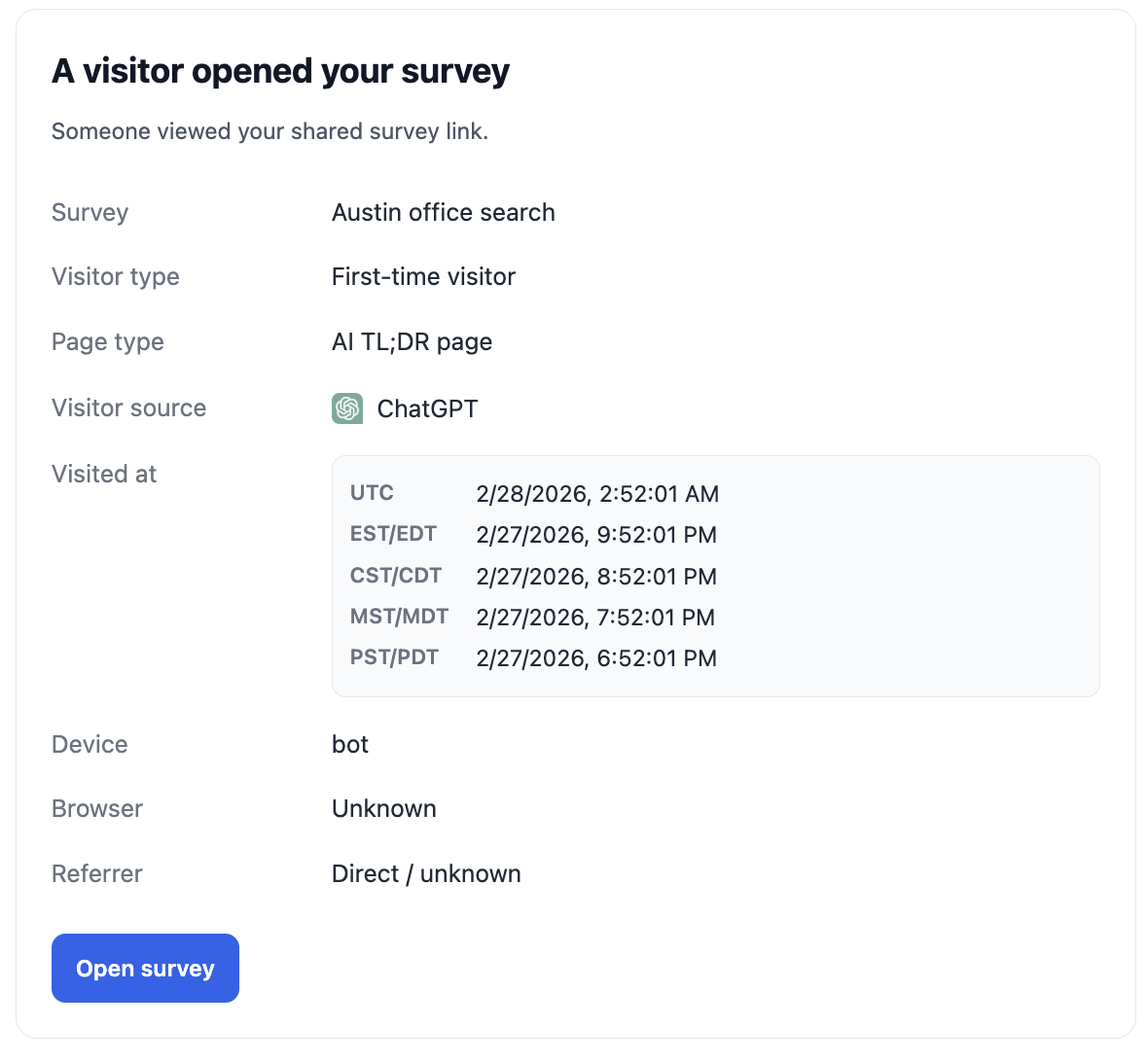
You now get an email the moment a visitor opens any of your surveys. Not a daily summary. The moment it happens. You'll see where they're located (city, state, country), what device they're on, whether they've visited before, and where they came from.
Inside every survey's settings, there's a full traffic dashboard showing every visit, every device, every source. You'll know exactly how much traction your surveys are getting and who's paying attention.
Landlord Rep Features Are Live
If you represent owners, this changes how you work. You can now publish surveys publicly, letting prospective tenants discover your listings. Enable interest intake, and anyone viewing the survey can submit their contact info right there. Every link you send out becomes a lead capture tool.
All that engagement data, who viewed, who clicked, who submitted interest, packages into reporting you can take straight to your property owners.
Turn it on: Open any survey → Settings → Toggle "Customer Intake" on.
Your Survey Links Look Professional Everywhere
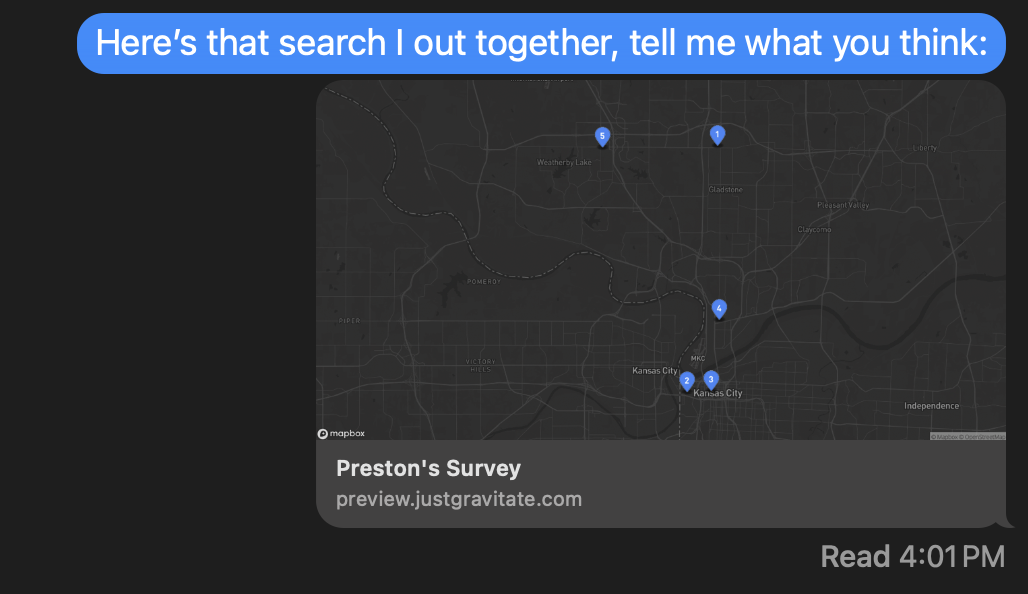
Share a survey on iMessage, LinkedIn, Slack, email, wherever. Instead of a plain URL, it now shows a polished card with your survey title and either your video thumbnail or an auto-generated map showing every property with numbered pins.
First impressions matter, and your links now make one before anyone clicks.
Drag, Drop, Rearrange
You have full control over how properties are ordered in any survey. Drag and drop to set the presentation exactly how you want it. When your client reacts, the survey gets smarter on its own. Liked properties move to the top, disliked ones drop to the bottom.
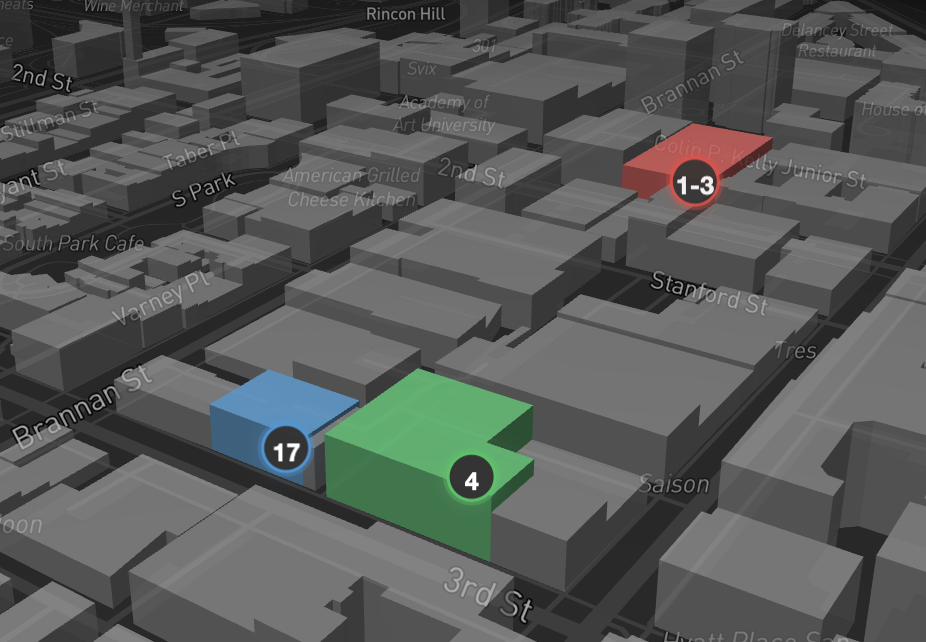
The map reflects it too. Markers and 3D buildings change color based on your client's sentiment so you can see interest patterns at a glance. Green means interested. Red means pass. Mixed feelings show in blue.